

Form - Easy Clasics Vehicle Data
Menue
 |
New record | Initializes the form for adding a new vehicle |
 |
Save changes | Saves the current vehicle |
 |
Delete record | Deletes the selected vehicle. |
 |
Reports | Opens the report selector form |
 |
Link Vehicles | Opens the form to link online vehicles with vehicles in Easy Classics. You can also copy vehicles from online to Easy Classics or from Easy Classics to online. |
 |
Spare part search | Opens the form for searching for spare parts |
 |
Help | Opens this help page |
 |
Support | Opens the support form to transmit a support request |
Repository Link
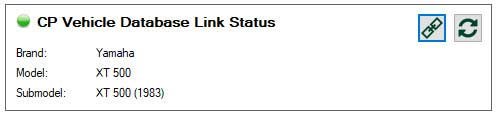
After entering your vehicle data, you can link your vehicle to the Classics Paradise Repository.
|
Link to repository | Opens the form for linking your vehicle to the repository. There you can query the brand and exact model and link it to your vehicle. |
 |
Refresh link | In case the brand name or model name changed in our repository, you can refresh the link. The link will not be changed. |
Data
Main Data
See image above
| Column Name | Data Type | Description |
| ID | read only | the technical ID in the database of the vehicle |
| Vehicle name | text | mandatory, your personal vehicle name |
| Year built | text | year of production |
| VIN | text | international vehicle identification number |
| Chassis number | text | chassis number |
| Engine number | text | engine number |
| License plate | text | registration number |
Description
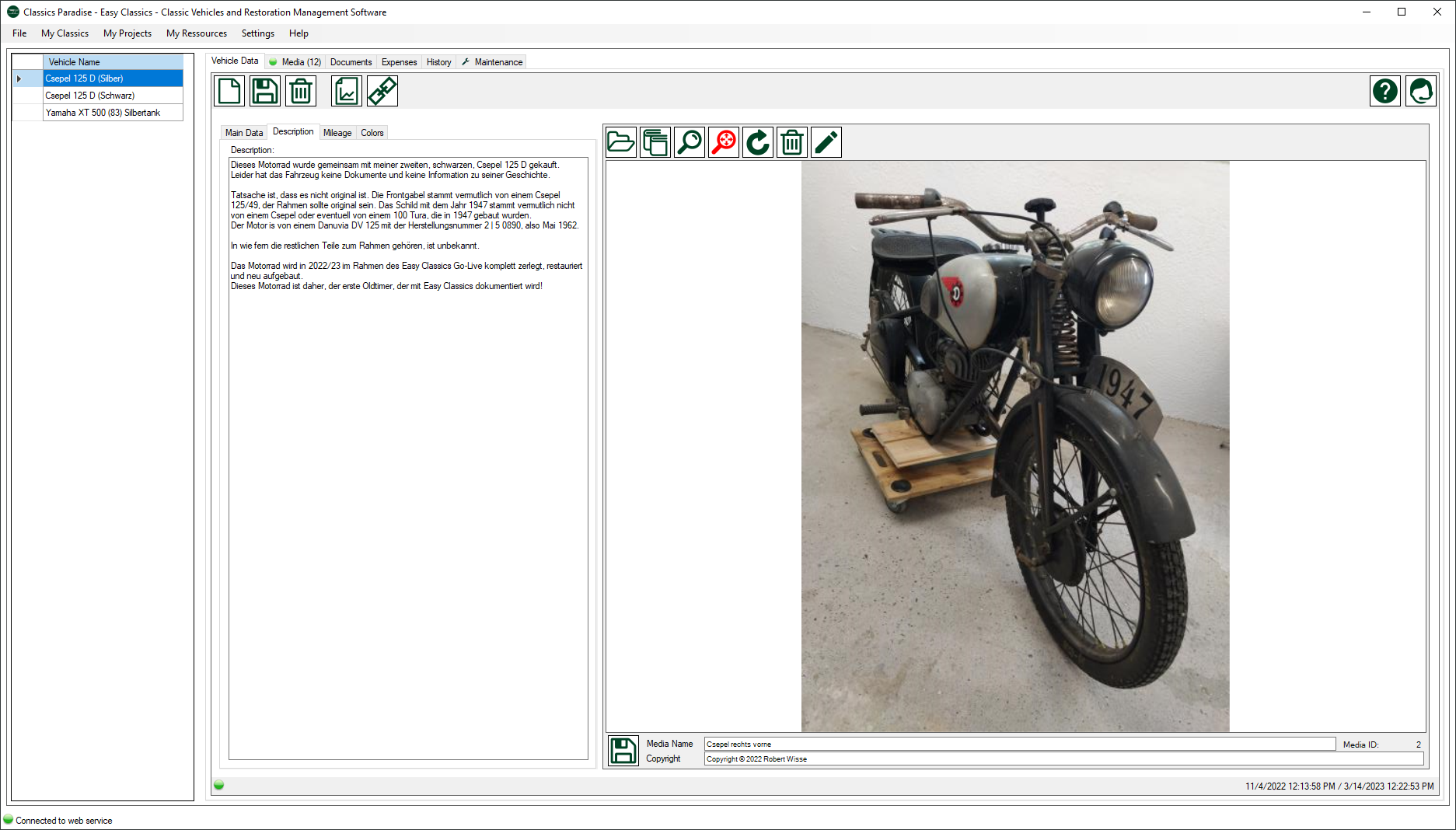
| Column Name | Data Type | Description |
| Description | text | brief description of your vehicle |
Mileage
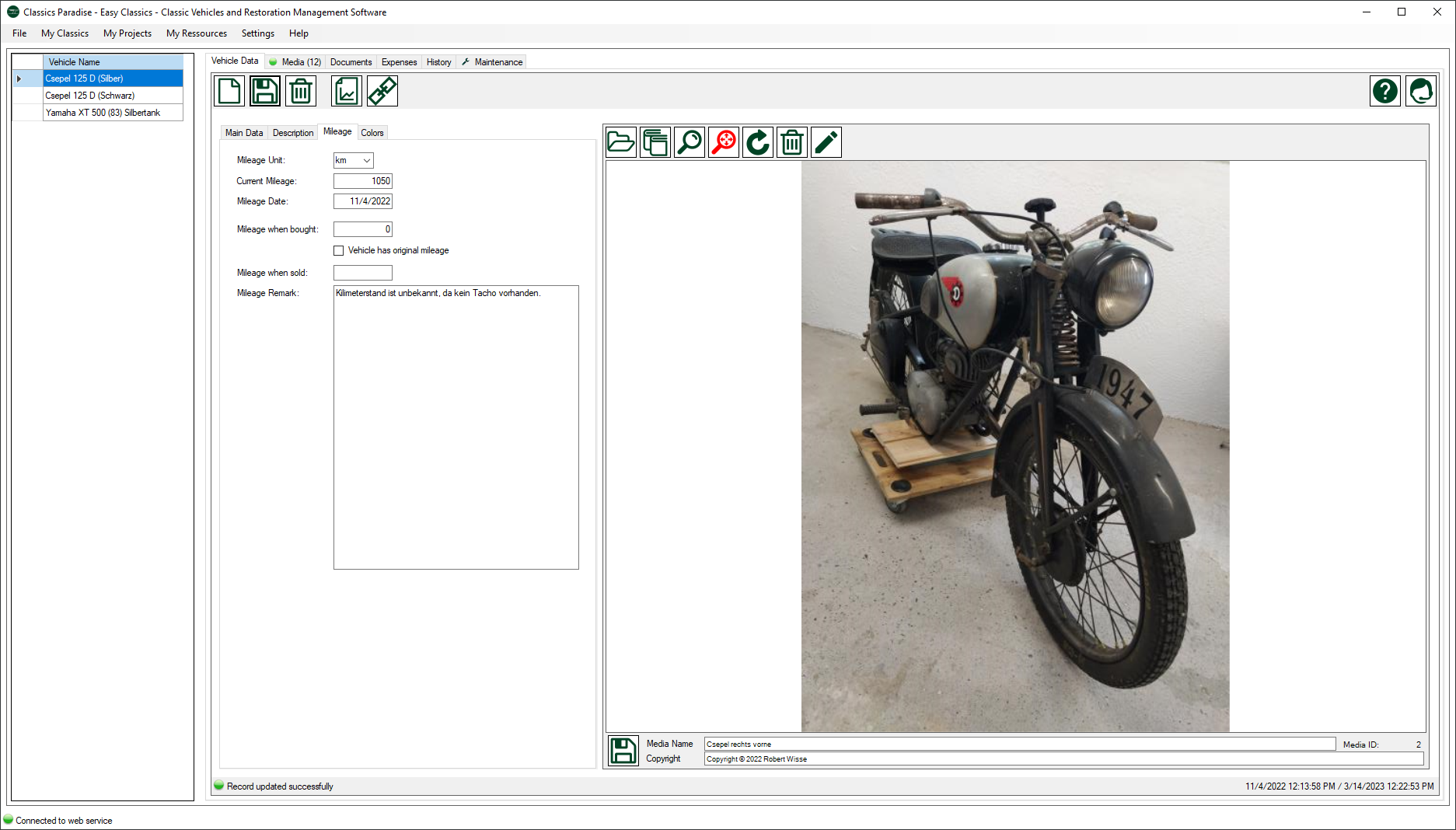
| Column Name | Data Type | Description |
| Mileage Unti ID | pull down | choose between kilometers or miles |
| Mileage when bought | number | initial mileage when the vehicle was bought |
| Vehicle has original mileage | boolean | indicates if you can proof that your vehicle has the original mileage |
| Mileage when sold | number | if you sell your vehicle you can document the last mileage |
| Mileage remark | text | add any remarks if necessary |
Colors
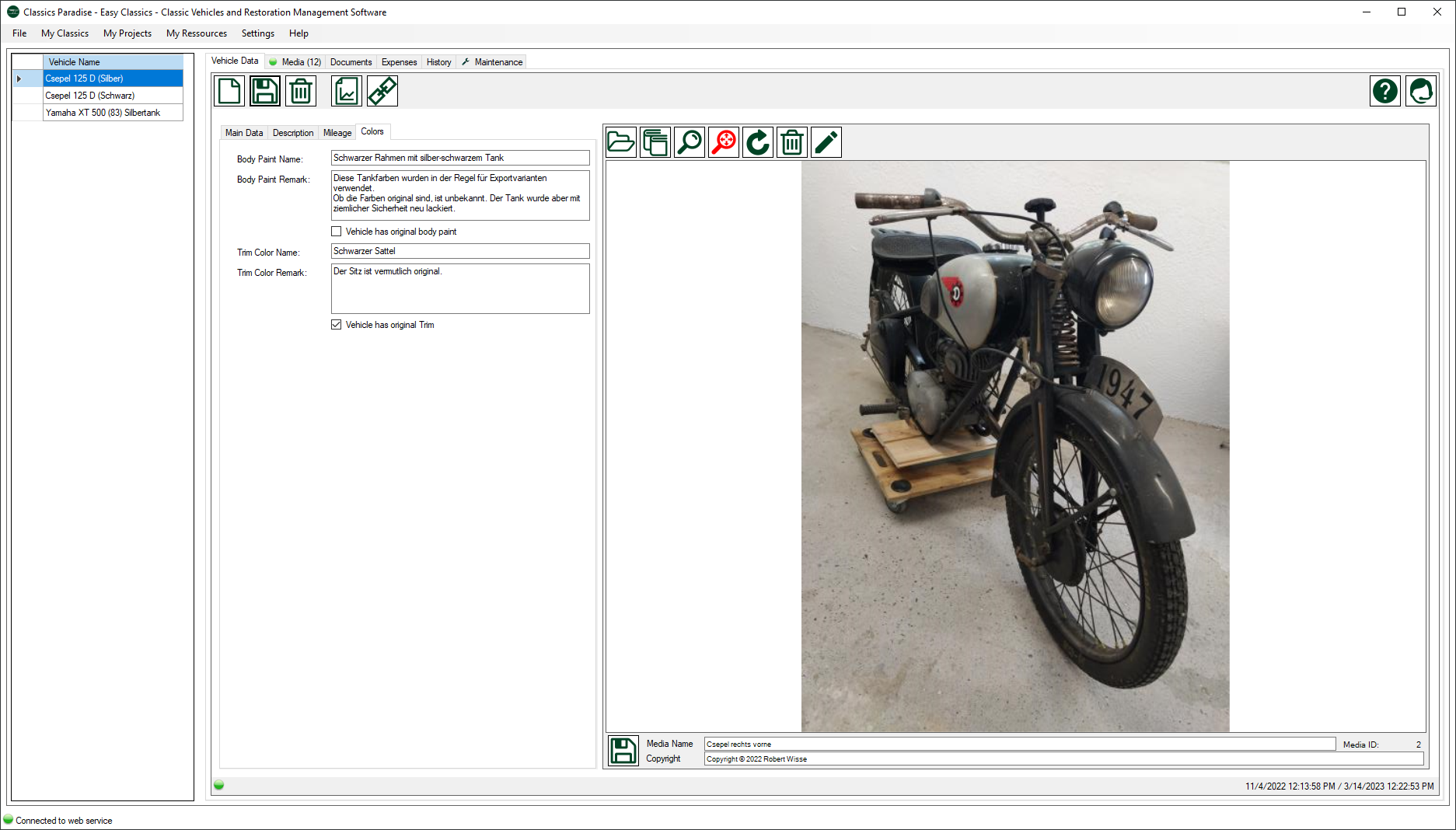
|
Column Name |
Data Type | Description |
| Body paint name | text | when available enter the original body paint name, otherwise enter a standard color |
| Body paint remark | text | remarks to the body paint |
| Vehicle has original body paint | boolean | indicates that you can proof that the paint is original |
| Trim color name | text | when available enter the orginal trim color name, otherwise use a standard color |
| Trim color remark | text | remarks to the trim color |
| Vehicle has original trim | boolean | indicates if you can proof that the trim is original |
Main Image
Image see above.
In the media editor you can add a single image for representing you vehicle. More images can be added in the Media section.