

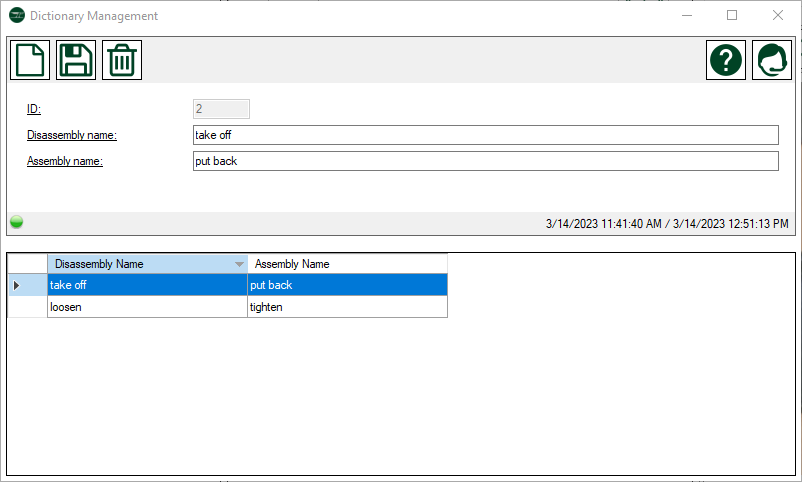
Form - The project dictionary
Description
The dictionary allows you to capture verbs that you regularly use in the disassembly processes. Capturing such words has two advantages:
- They can be easily inserted while writing instructions
- They help in the automatic creation of an assembly description from a disassembly description to correctly articulate the instructions.
Example: We make a dictionary entry with the term <loosen>. We define <tighten> as the assembly designation for <loosen>. One instruction is <Loosen the left screw with an M10 open-end wrench>. If an assembly instruction is automatically generated from this disassembly instruction, Easy Classics replaces each disassembly designation with the respective assembly designation. Our assembly instructions will therefore be <Tighten the left screw with an M10 open-end wrench>
Menue
 |
New record | Initializes the form for adding a new record |
 |
Save changes | Saves changes to the current record |
 |
Delete record | Delete the current record and any data related to it. |
 |
Help | Opens this help page |
 |
Support | Opens the support form to transmit a support request |
Data
| Column Name | Data Type | Description |
| ID | read only | the unique ID of this record |
| Disassembly name | text | term during disassembly |
| Assembly name | text | term during assembly |